Building custom DevDeck controls opens up endless possibilities for developers who want to personalize their workflow and boost productivity. DevDeck, a popular hardware control panel for developers, allows users to create custom buttons, sliders, and displays that can execute commands, launch applications, or control various aspects of their development environment. In this guide, we'll walk you through the process of creating custom DevDeck controls from scratch, covering everything from basic plugin development to advanced extensions that can transform your DevDeck into a powerful, personalized tool.
Understanding DevDeck's Plugin Architecture
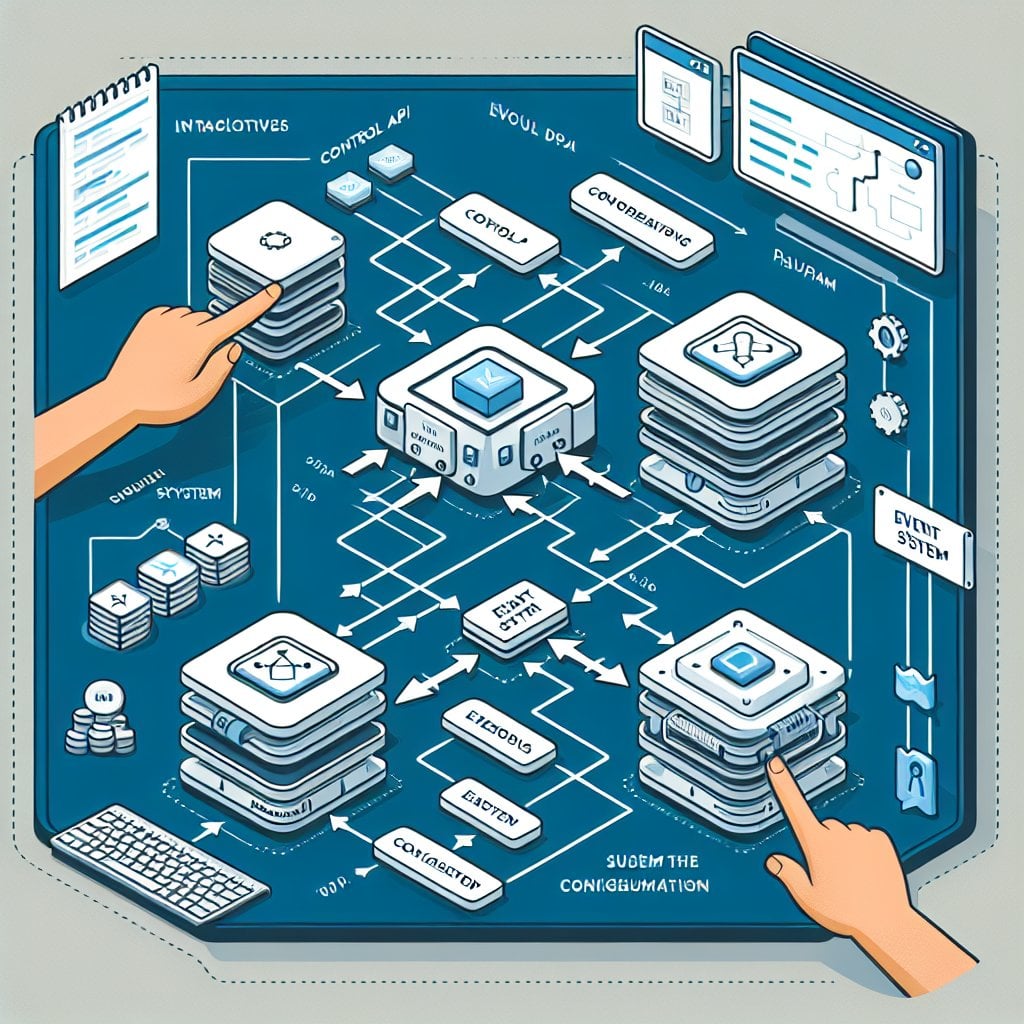
Before diving into development, it's important to understand how DevDeck's plugin architecture works. DevDeck uses a modular system where each control is essentially a small program that communicates with the hardware through an API. This architecture allows developers to create custom functionality without modifying the core software.
The DevDeck SDK provides several key components that you'll need to work with. First, there's the Control API, which handles input and output for buttons, knobs, and displays. Second, the Event System manages user interactions and system triggers. Finally, the Configuration Manager stores settings and preferences for your custom controls.
Setting Up Your Development Environment
To start building custom DevDeck controls, you'll need to set up a proper development environment. First, install the DevDeck SDK from the official repository. You'll also need Node.js (version 14 or higher) and a code editor like Visual Studio Code. The SDK includes templates for common control types, which can significantly speed up your development process.
Create a new project folder and initialize it with the DevDeck CLI tool. This will generate the necessary file structure, including configuration files, a manifest for your plugin, and sample code to get you started. The manifest file is particularly important as it tells DevDeck what your plugin does and what permissions it needs.
Creating Your First Custom Control
Let's start with a simple example: a button that executes a custom script. This basic control will help you understand the fundamental concepts before moving on to more complex implementations.
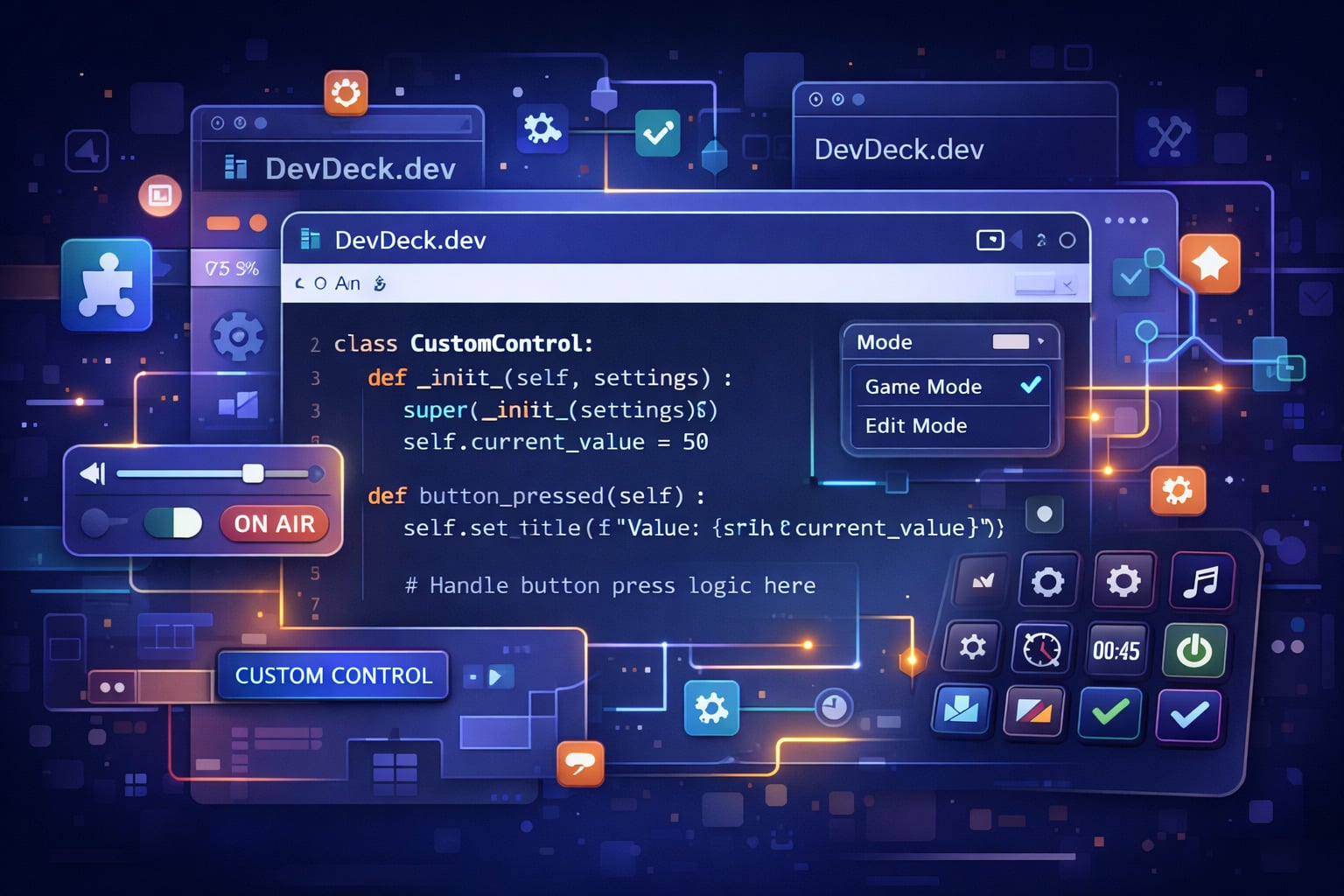
Begin by creating a new control class that extends the base Control class from the DevDeck SDK. Your class needs to implement several key methods: initialize(), which runs when the control loads; handlePress(), which responds to button presses; and cleanup(), which runs when the control is removed or DevDeck shuts down.
Writing the Control Logic
The core logic of your custom control goes in the handlePress() method. This is where you define what happens when a user interacts with your control. You can execute shell commands using the built-in child process module, make HTTP requests to APIs, or interact with other applications.
For display controls, you'll work with the Display API to render text, images, or animations. The API supports various formats and allows you to update the display dynamically based on system events or external data sources. You can create status monitors, timers, or information dashboards that update in real-time.
Key Takeaways:
- DevDeck's modular architecture allows for flexible plugin development without core modifications
- The SDK provides essential APIs for controls, events, and configuration management
- Custom controls extend base classes and implement key lifecycle methods
- Display controls can show real-time data and respond to system events dynamically
Advanced Plugin Features and Extensions
Once you've mastered basic controls, you can explore advanced features that make your plugins more powerful and user-friendly. Configuration screens allow users to customize your control's behavior without editing code. You can create these using the Configuration API, which supports various input types including text fields, dropdowns, color pickers, and file selectors.
State management becomes crucial for complex controls. Implement persistent storage using the DevDeck Storage API to save settings, cache data, or maintain state across sessions. This is particularly useful for controls that track information over time or need to remember user preferences.
Integrating External Services
Many powerful custom controls integrate with external services and APIs. You can create controls that monitor GitHub repositories, display Slack notifications, control smart home devices, or interact with cloud services. When working with external APIs, remember to handle authentication securely and implement error handling for network issues.
Use webhooks to receive real-time updates from external services. DevDeck can run a local server that listens for incoming webhook requests, allowing your controls to react immediately to external events without polling.

Testing, Debugging, and Distribution
Proper testing ensures your custom controls work reliably. The DevDeck SDK includes a testing framework that simulates button presses and system events. Write unit tests for your control logic and integration tests for external service interactions.
For debugging, use the built-in logging system to track execution flow and identify issues. The DevDeck console displays logs from all plugins, making it easy to monitor your control's behavior during development. Set appropriate log levels (debug, info, warning, error) to filter messages based on importance.
When your control is ready for distribution, package it using the DevDeck CLI. This creates a distributable file that includes your code, assets, and manifest. You can share your plugin through the DevDeck marketplace, GitHub, or directly with other users. Include clear documentation that explains installation, configuration, and usage.
Conclusion
Building custom DevDeck controls from scratch gives you complete control over your development workflow. By understanding the plugin architecture, mastering the SDK APIs, and following best practices for development and testing, you can create powerful tools tailored to your specific needs. Start with simple controls to learn the fundamentals, then gradually add complexity as you become more comfortable with the platform. The DevDeck community is active and helpful, so don't hesitate to share your creations and learn from others. With these skills, you can transform your DevDeck into a truly personalized productivity powerhouse.
FAQ
DevDeck primarily uses JavaScript and TypeScript for plugin development. The SDK is built on Node.js, so you can leverage the entire npm ecosystem. TypeScript is recommended for larger projects as it provides better type safety and development tooling support.
Implement try-catch blocks around potentially failing operations, especially when working with external APIs or file systems. Use the logging API to record errors and provide meaningful feedback to users through display messages or notifications. The SDK also supports error recovery mechanisms to prevent crashes.
Yes, the DevDeck SDK supports multi-device configurations. You can create controls that synchronize state across devices or coordinate actions between them. Use the Device API to detect available devices and manage cross-device communication through the event system.
Implement version checking in your plugin manifest and use the DevDeck update system to notify users of new versions. For marketplace plugins, updates are handled automatically. For direct distribution, provide clear update instructions and maintain backward compatibility with user configurations when possible.
Never hardcode API keys in your plugin code. Use the DevDeck secure storage API to encrypt sensitive credentials. Prompt users to enter their own API keys through configuration screens, and store them securely. For OAuth flows, implement proper token refresh mechanisms and handle expired credentials gracefully.