
Understanding hex to rgb conversion is essential for modern web development. While HEX color codes are popular for their simplicity, RGB format offers powerful advantages that many developers overlook. This guide explains when and why you should convert between these formats, with practical examples and tools to streamline your workflow. Whether you're building transparent overlays, creating dynamic themes, or manipulating colors with JavaScript, knowing how to work with both formats will improve your CSS skills.
Understanding HEX and RGB Color Formats
Before diving into conversion techniques, let's clarify what these formats represent. HEX (hexadecimal) colors use six characters preceded by a hash symbol, like #FF5733. Each pair of characters represents red, green, and blue values from 00 to FF (0-255 in decimal).
RGB format expresses the same information differently: rgb(255, 87, 51). The three numbers directly show the intensity of red, green, and blue channels. Both formats describe identical colors, but RGB's structure makes it more flexible for certain tasks.
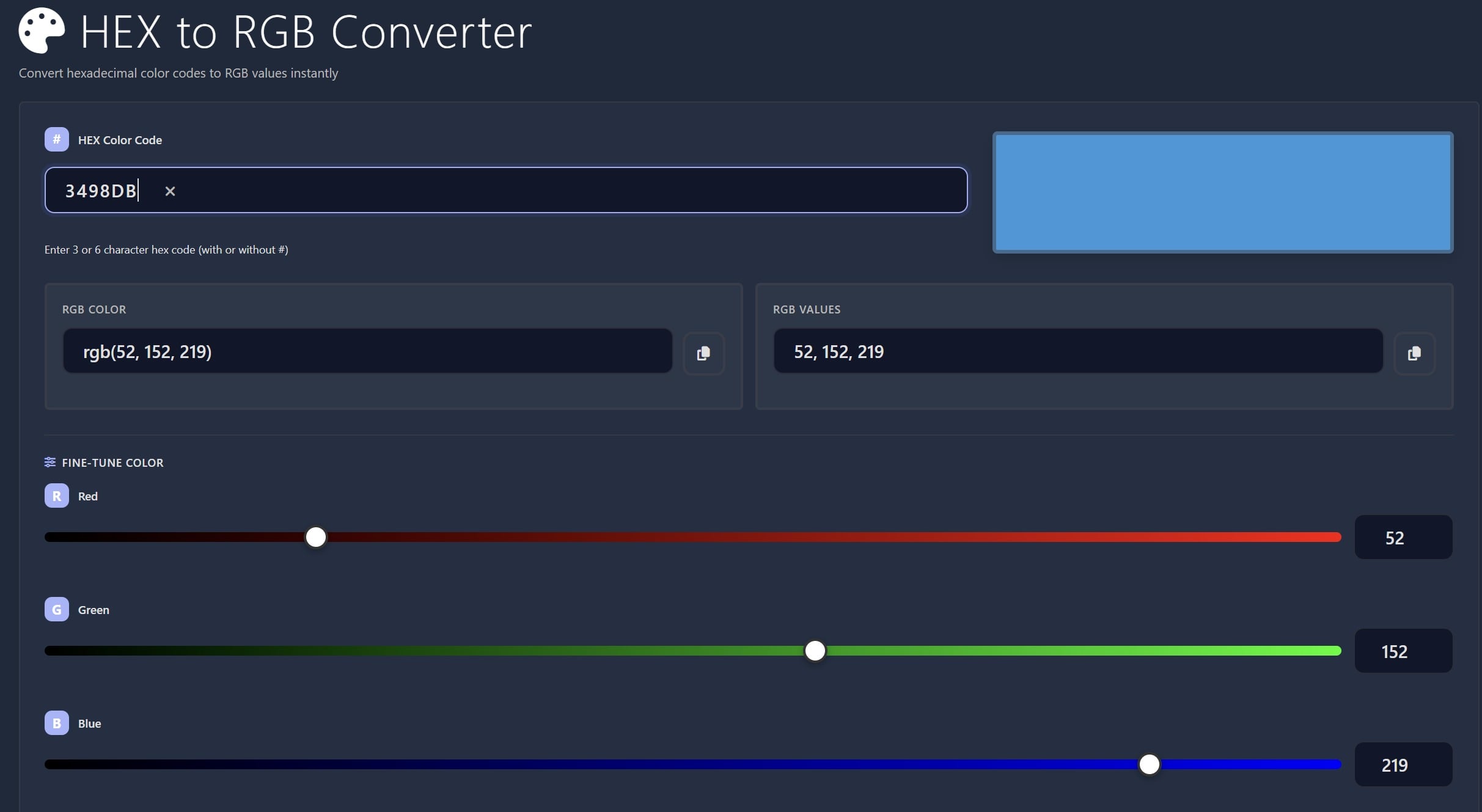
The HEX to RGB converter simplifies this transformation. Just paste your HEX code and instantly get the RGB values you need for your project.
When RGB Format Outperforms HEX
Adding Transparency with Alpha Channels
The biggest advantage of RGB is transparency support through RGBA (RGB with Alpha). While HEX can technically include alpha using eight characters (#FF573380), browser support historically lagged behind, and the syntax feels less intuitive.
Here's a practical example for creating a dark overlay on images:
.image-overlay {

  background-color: rgba(0, 0, 0, 0.6);

  position: absolute;

  top: 0;

  left: 0;

  width: 100%;

  height: 100%;

}
The fourth value (0.6) controls opacity from 0 (transparent) to 1 (solid). This makes RGBA perfect for overlays, shadows, and layered effects. You can convert any HEX color and then add your desired alpha value.
Dynamic Theming with CSS Variables
RGB format excels when building theme systems with CSS custom properties. By storing RGB values separately, you can dynamically adjust opacity without converting colors repeatedly:
:root {

  --primary-rgb: 59, 130, 246;

  --accent-rgb: 239, 68, 68;

}


.button-solid {

  background-color: rgb(var(--primary-rgb));

}


.button-ghost {

  background-color: rgba(var(--primary-rgb), 0.1);

  border: 2px solid rgb(var(--primary-rgb));

}


.hover-effect:hover {

  background-color: rgba(var(--accent-rgb), 0.8);

}
This approach creates multiple color variations from a single RGB value. Your theme remains consistent while offering flexibility for different UI states.
JavaScript Color Manipulation
When manipulating colors programmatically, RGB format simplifies calculations. Adjusting brightness, creating gradients, or generating color schemes becomes straightforward with numeric values:
function lightenColor(r, g, b, amount) {

  return {

    r: Math.min(255, r + amount),

    g: Math.min(255, g + amount),

    b: Math.min(255, b + amount)

  };

}


const baseColor = {r: 59, g: 130, b: 246};

const lighter = lightenColor(baseColor.r, baseColor.g, baseColor.b, 40);

element.style.backgroundColor = `rgb(${lighter.r}, ${lighter.g}, ${lighter.b})`;
Working with HEX requires converting to RGB first, performing calculations, then converting back. RGB eliminates this extra step.
Converting Between Formats Efficiently
Modern web projects often need both formats. You might receive brand colors in HEX but need RGB for transparency effects. Having reliable conversion tools saves time and prevents errors.
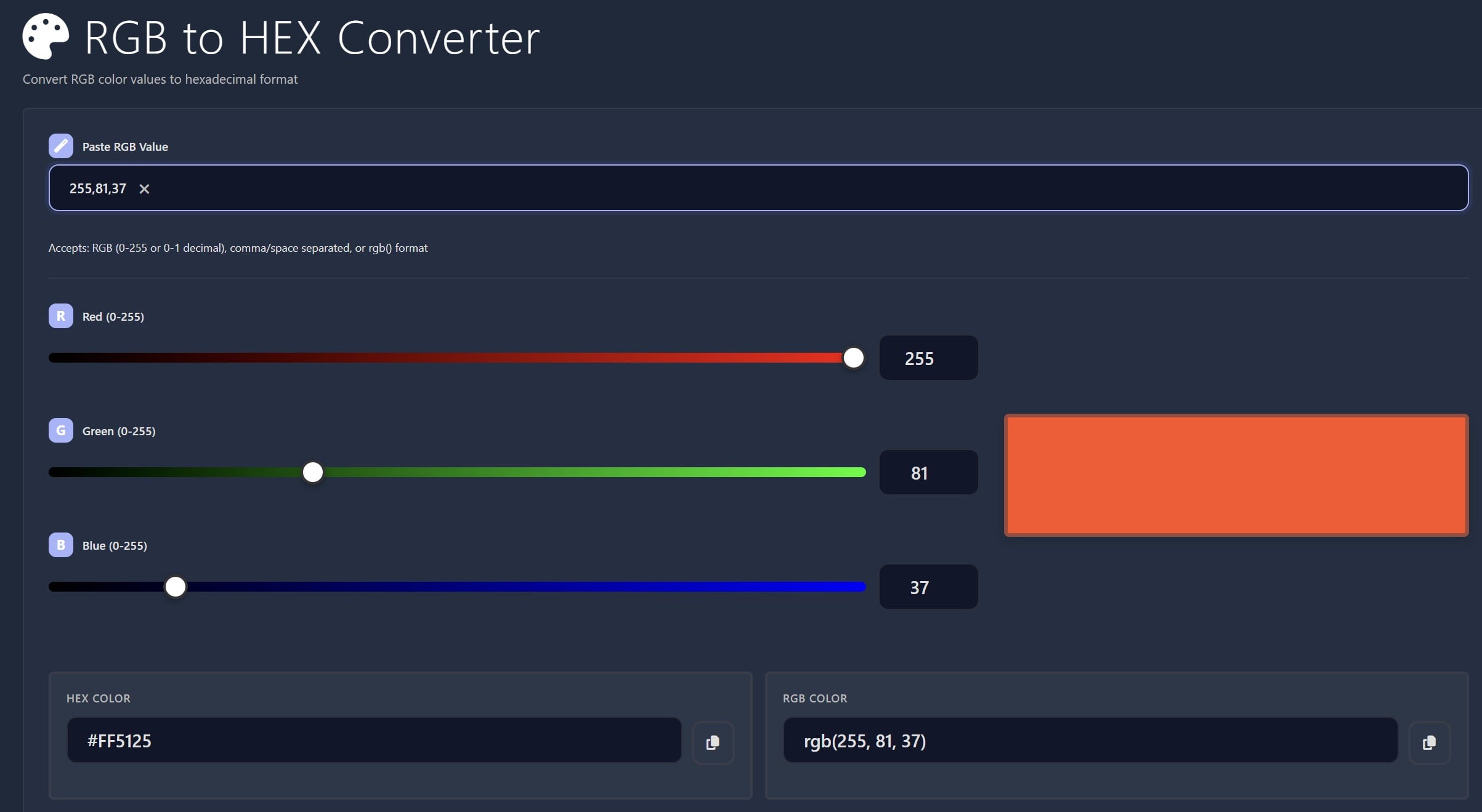
The HEX to RGB converter handles forward conversion instantly. For the opposite direction, use the RGB to HEX tool when you need to document colors in style guides or share with design teams who prefer HEX notation.
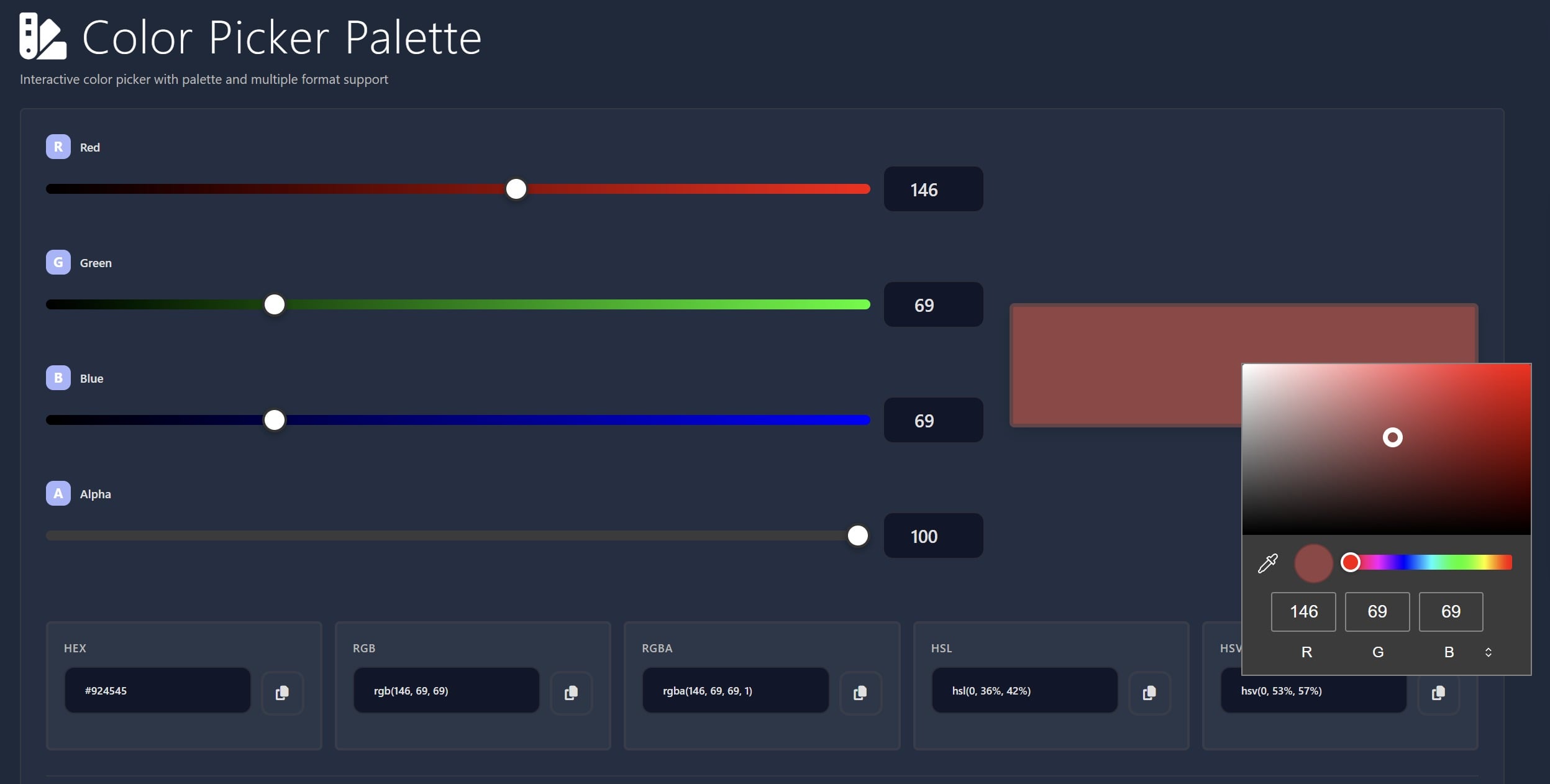
For exploring colors visually, the Color Picker displays both formats simultaneously. This helps you understand how the same color appears in different notations and choose the best format for your specific use case.
Key Takeaways:
- Use RGBA when you need transparency or opacity control for overlays and effects
- Store colors as RGB values in CSS variables for flexible dynamic theming
- RGB format simplifies JavaScript color calculations and manipulations
- Keep conversion tools handy for switching between formats as project needs change
Conclusion
While HEX codes remain popular for their compact format, RGB offers distinct advantages for modern web development. Transparency control through alpha channels, seamless integration with CSS variables, and easier JavaScript manipulation make RGB the better choice for dynamic interfaces. Understanding hex to rgb conversion and knowing when to use each format will improve your workflow. Use the right format for each situation, and keep reliable conversion tools accessible to switch between them effortlessly.
FAQ
HEX uses hexadecimal notation with six characters (like #FF5733), while RGB uses decimal numbers for red, green, and blue channels (like rgb(255, 87, 51)). Both represent the same colors, but RGB format is more intuitive for calculations and supports transparency through RGBA.
Use RGB when you need transparency (RGBA), when building dynamic themes with CSS variables, or when manipulating colors with JavaScript. RGB's numeric format makes it easier to adjust opacity, create variations, and perform color calculations programmatically.
Use the RGBA format by adding a fourth value between 0 and 1. For example, rgba(255, 87, 51, 0.5) creates a 50% transparent orange. Convert your HEX color to RGB first, then add the alpha channel value to control transparency.
Yes, RGB to HEX conversion is straightforward using conversion tools. This is useful when documenting colors in style guides or sharing with teams that prefer HEX notation. Both formats are fully interchangeable for opaque colors.
Storing RGB values in CSS variables lets you create multiple variations from a single color. You can use rgb(var(--color)) for solid colors and rgba(var(--color), 0.5) for transparent versions without defining separate variables for each opacity level.